01Brief
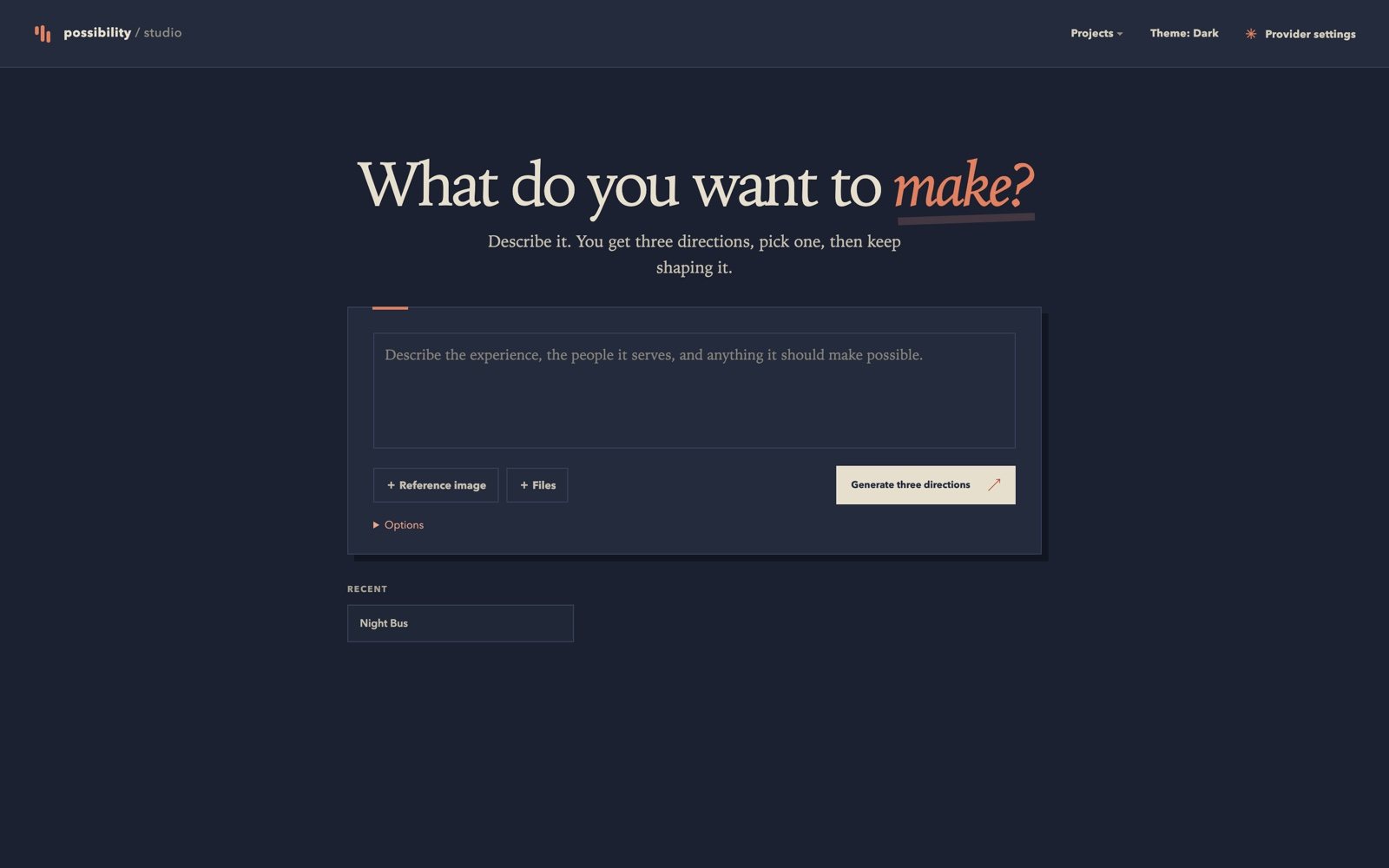
Describe it.
One paragraph in plain English: what it is, who it is for, and how it should feel. Add a reference image if you have one.
 Full size
The brief form and recent projects.
Possibility Studio / six screens
Describe the thing in plain English. You get three working HTML prototypes, each with a different layout and motion idea. Pick one, describe the changes you want, and export the file. Runs locally against any OpenAI-compatible provider.
One paragraph in plain English: what it is, who it is for, and how it should feel. Add a reference image if you have one.
Full sizeThree directions come back, each with a different layout and motion idea. Read the tradeoff, then choose the one to build.
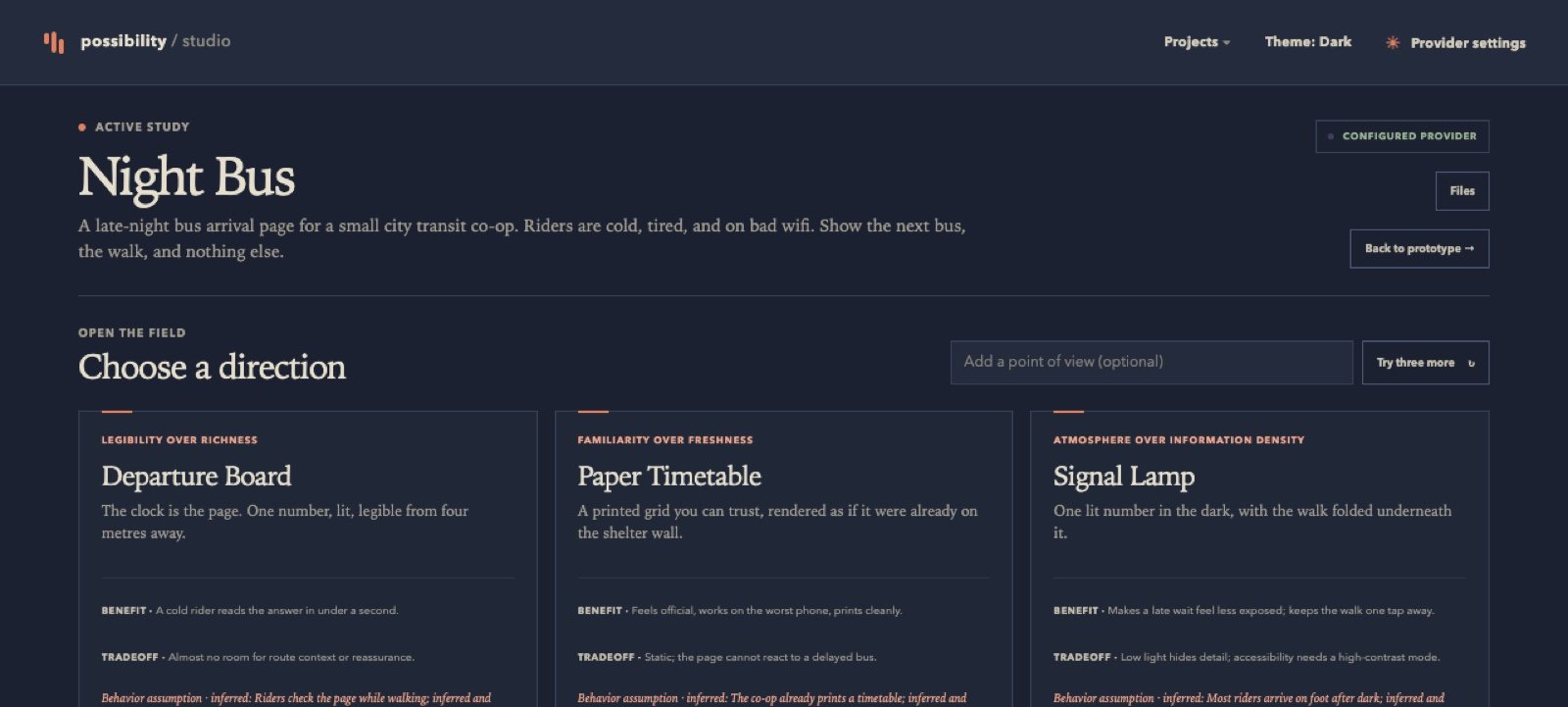 Full size
The prototype runs in the canvas. It is real HTML, so hover states and animations work.
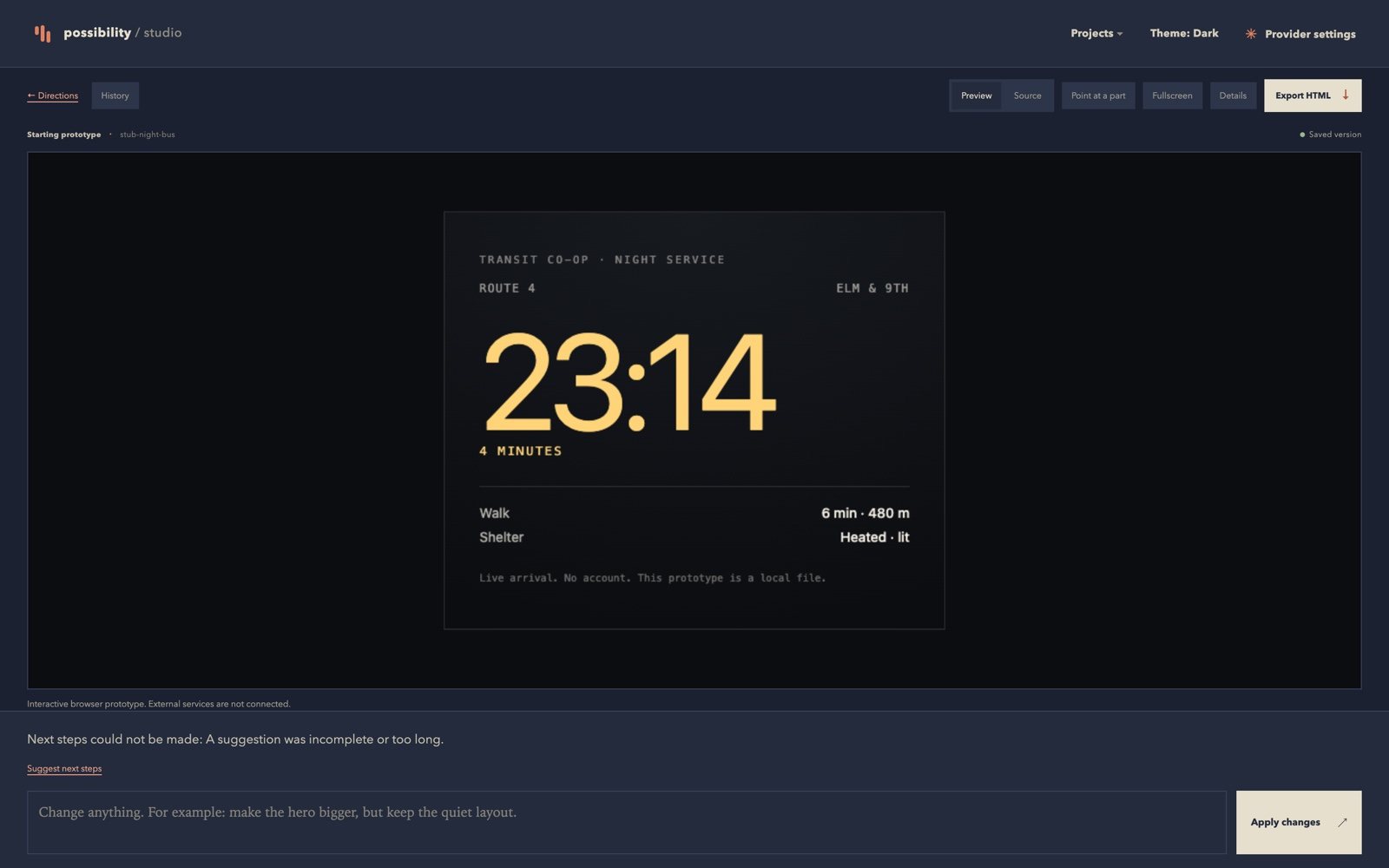 Full size
Type an instruction like 'make the clock quieter', or point at a part. Each change becomes a new revision.
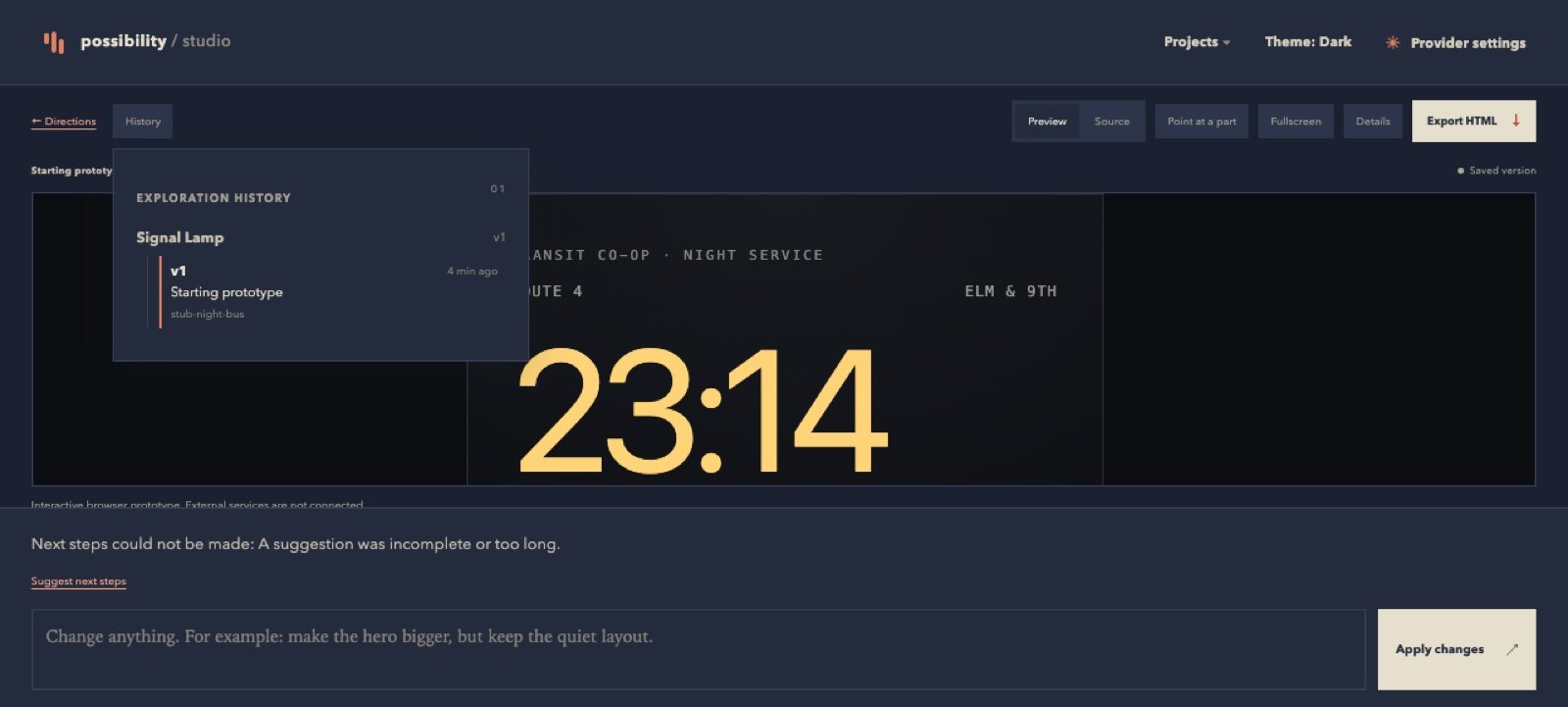 Full size
See what it says it built, which requirements passed, and what it assumed, before you trust the preview.
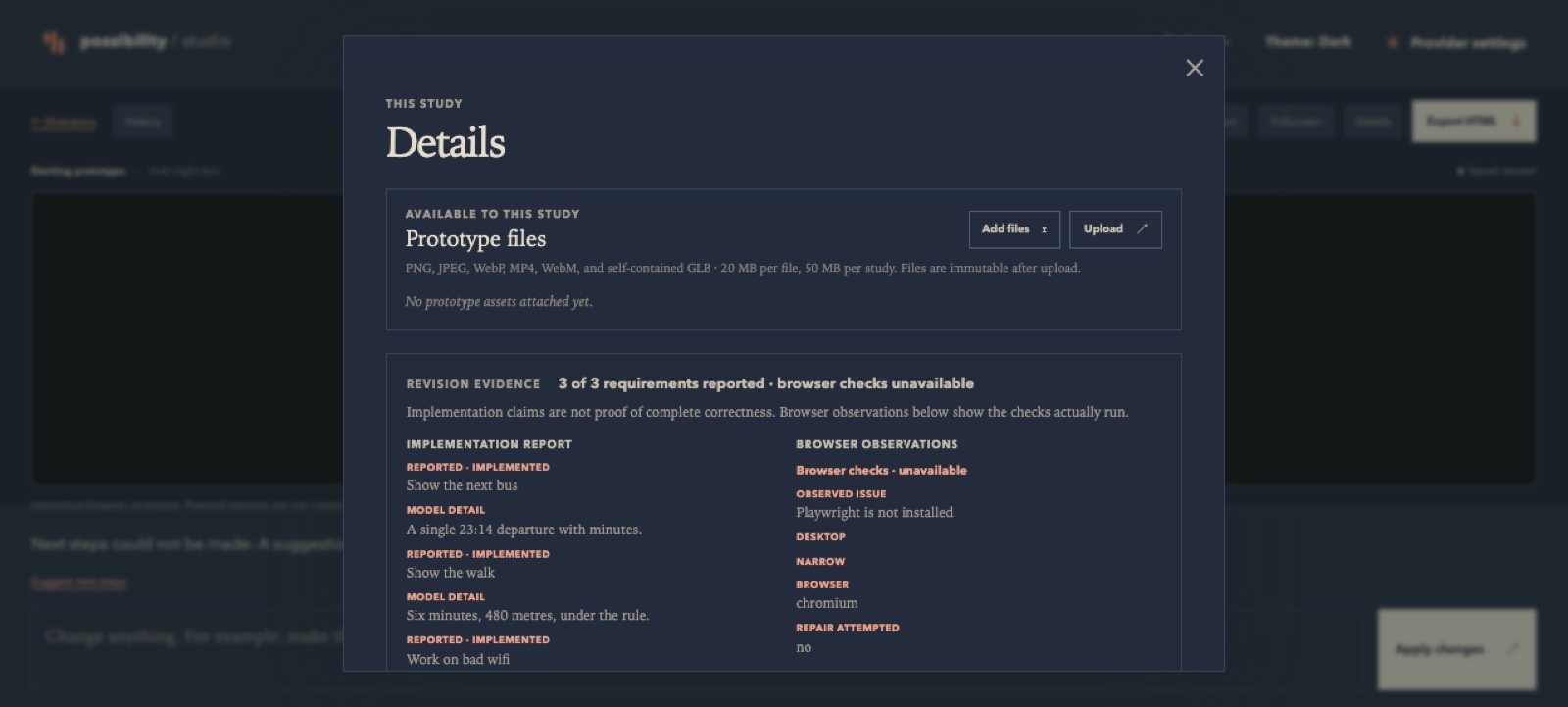 Full size
Download one standalone HTML file with assets inlined. No build step.
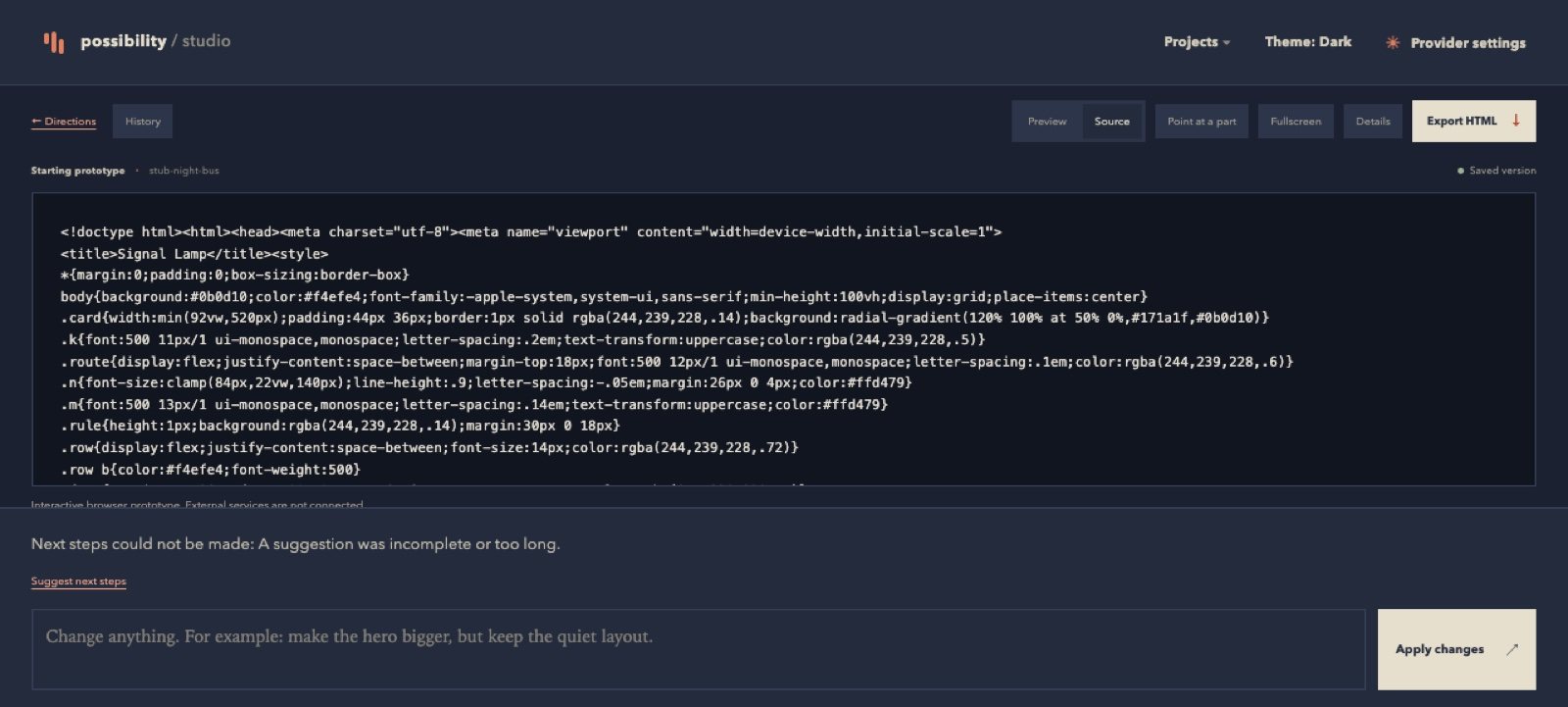 Full size
pip install -e '.[dev]' uvicorn studio.app:app --port 8310