01Page view
Open a PDF.
Choose a file or the 8-page sample. The page is read on your machine, and the original is one key away.
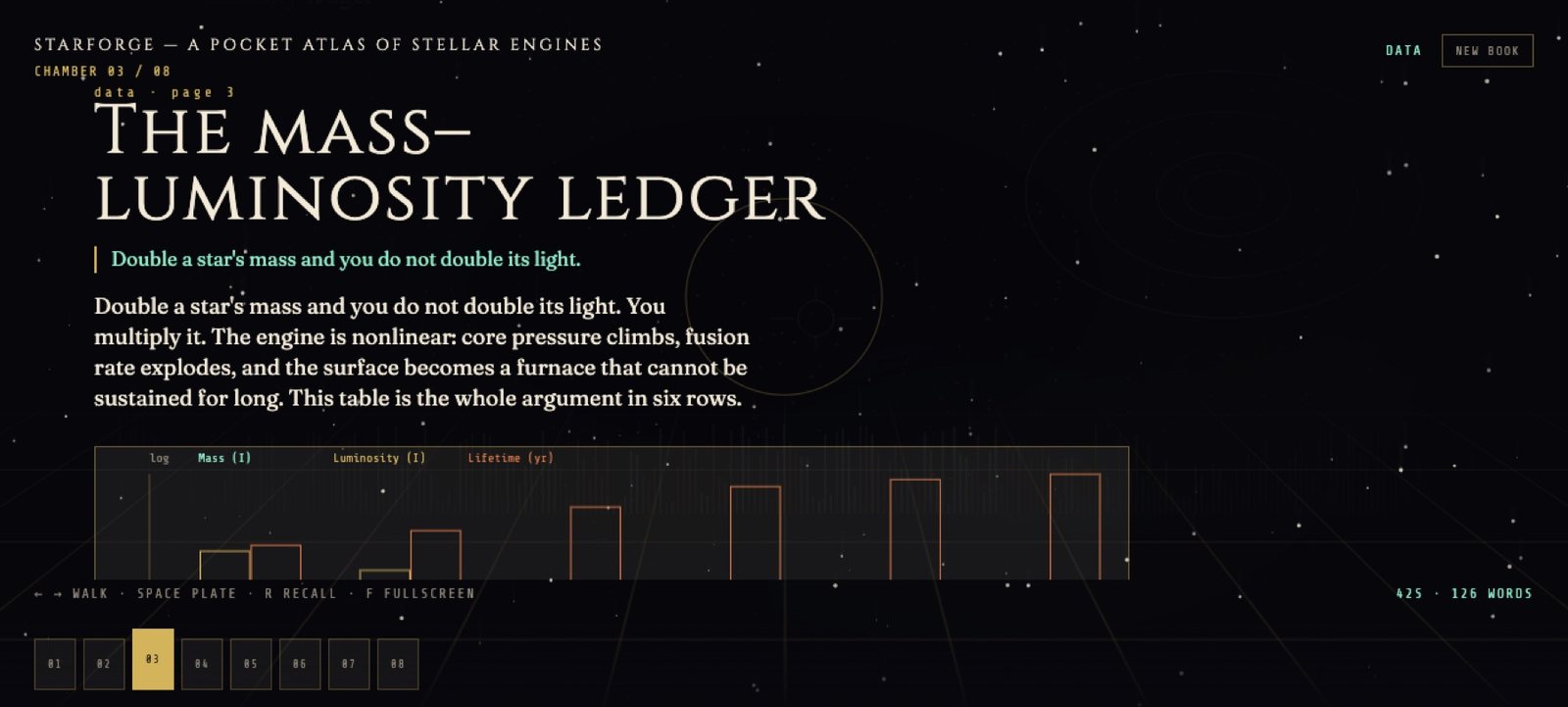 Full size
A page with its text, chart, and generated plate.
Lucida / three screens
Lucida walks a PDF one page at a time, the way a teacher would: the text, its table drawn as a chart, and an image generated on your machine to make the point land. No account, no upload, no API key.
Choose a file or the 8-page sample. The page is read on your machine, and the original is one key away.
Full sizeTables become charts, key terms are explained on the page, and a generated image sits beside the paragraph it illustrates.
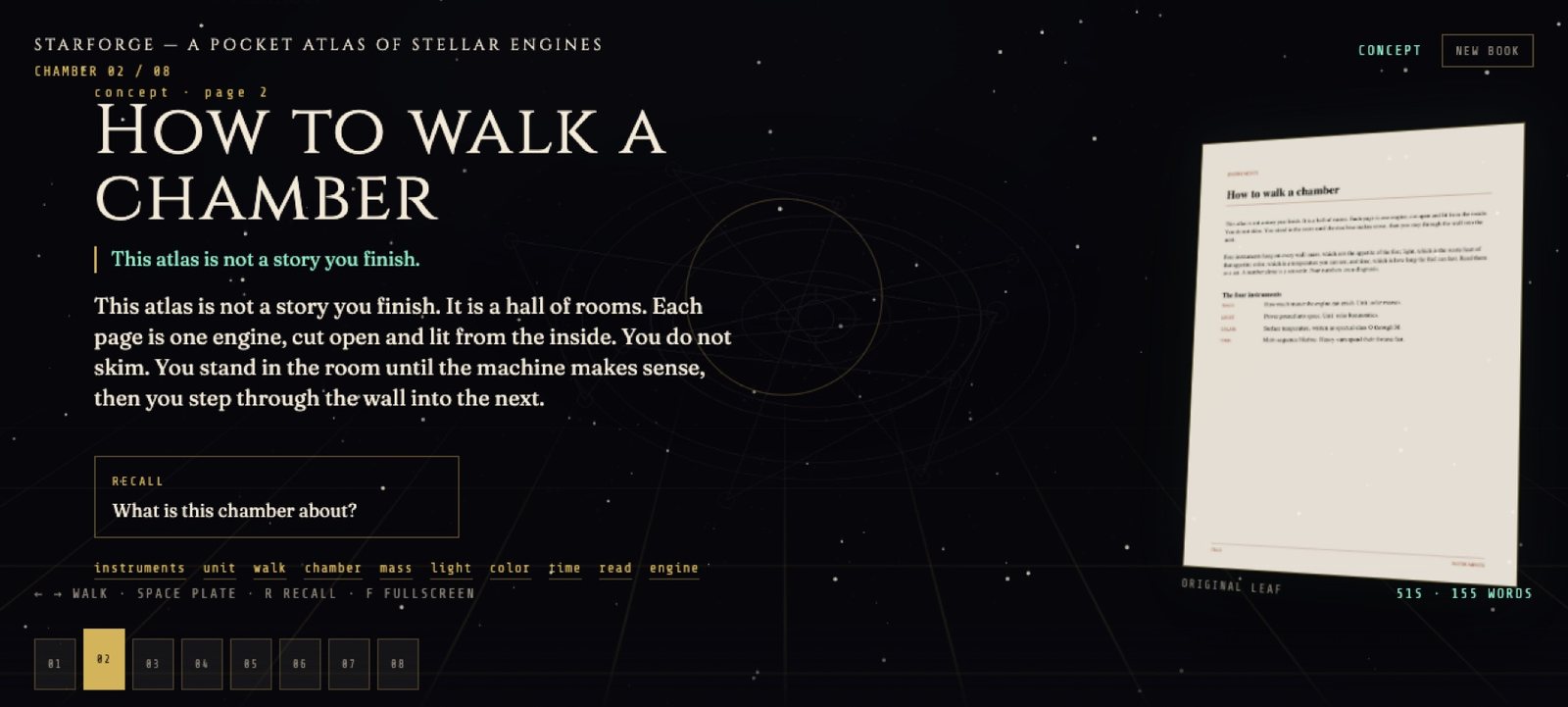 Full size
Arrow keys turn pages. Generated images are cached, so going back is instant, and every file stays in a folder you control.
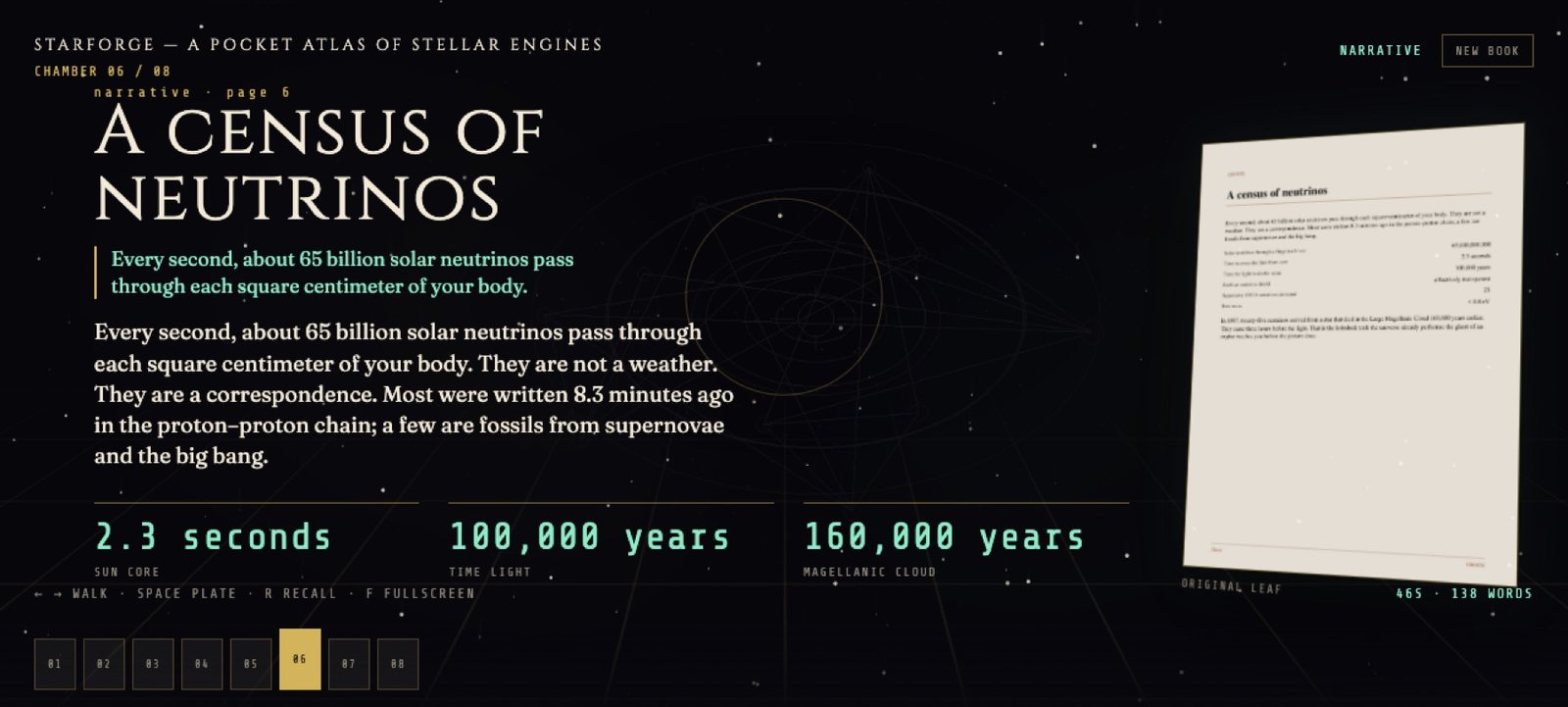 Full size
python3 -m venv .venv pip install -r requirements.txt ./run.sh